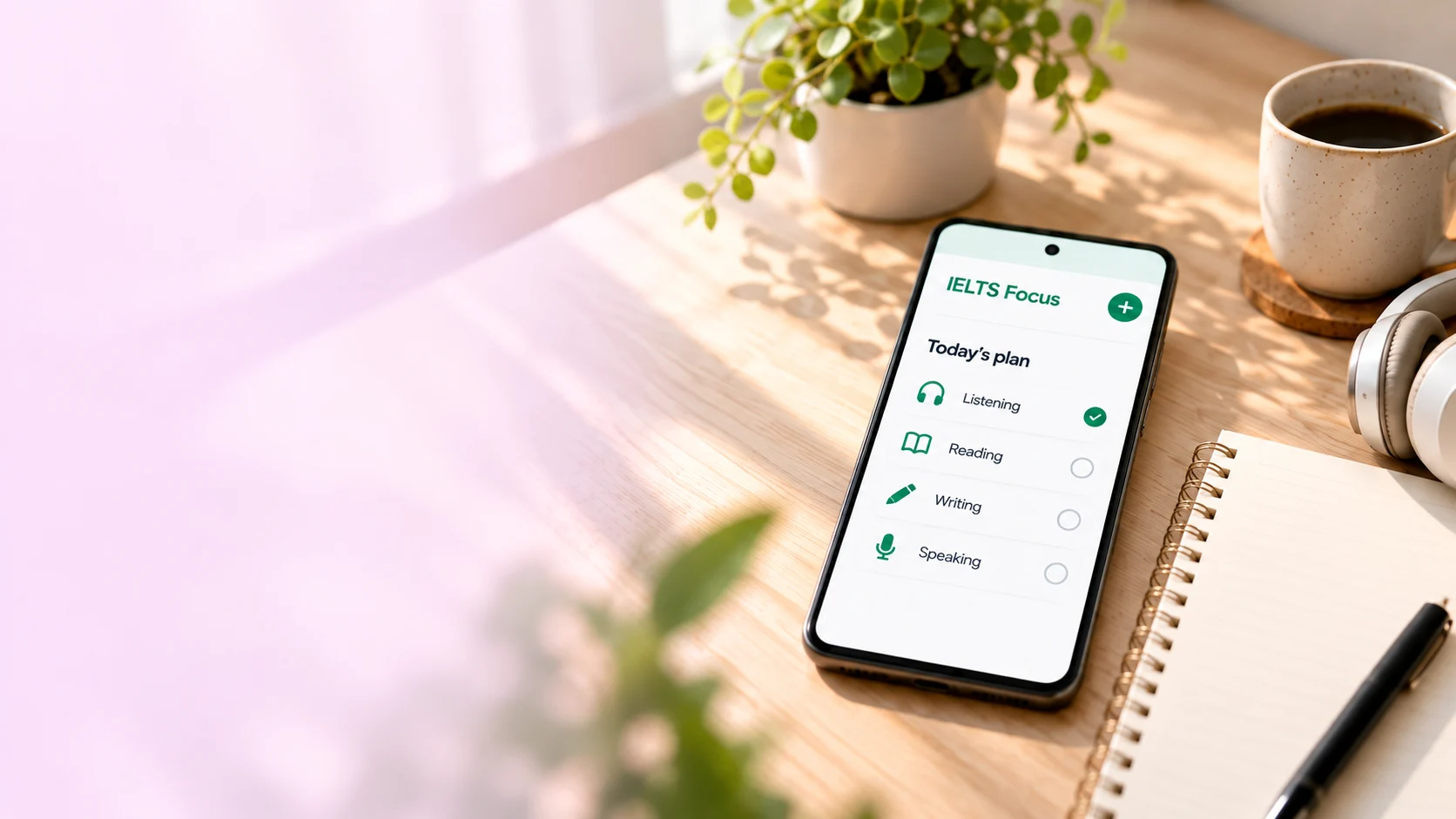
IELTS Focus
Privacy Policy
Your study. Your choices.
How the app uses information and the controls available to you.
Back to IELTS Focus ↗App version 2.7.1 · Effective 28 October 2026
Privacy, explained clearly.
A guide to your records, optional connections and permissions.
OverviewHow IELTS Focus handles information and the choices available to you.
Your study. Your choices.
IELTS Focus: Study Planner is provided by Md Forhad Reza. This policy covers version 2.7.1 of the Android app, package com.forhad.ieltsfocus. It covers this app’s data practices; other apps and this website have their own policies.
Your study records are stored on your device. The publisher does not operate a server that receives those records. This release contains no advertising or analytics tracking service. Optional connections communicate with the services you choose, as explained below.
Study recordsPlans, routines, history, notes and results are stored in the app’s private storage.
Study records on your device
The app stores information you enter or generate while using it: work and class schedules, manually entered prayer times, meals and personal routines, study plans, study history, completion and check-in records, reminder and appearance preferences, journal entries, notes, saved lessons and practice results.
These records are held in Android’s private application storage. The app uses them to organise your timetable, run the features you enable and show your progress. You do not need an account with the publisher.
Optional backupChoose Google Drive’s private app-data space or a backup file you select.
Optional backup
Google account backup
If you choose to authorise Google Drive, the app can save and restore its own backup archives in your Google Drive app-data space. It requests the drive.appdata scope, which is limited to the app’s own hidden data area, rather than your unrelated Drive documents. The selected account email is displayed so you can identify the account in use. The app verifies Drive access before marking the connection ready.
Google handles account authorisation and short-lived token caching. Optional daily backup respects the network preference you select. Disconnecting stops future cloud backup access but does not delete existing cloud archives. You can also revoke access through your Google Account permissions.
Files you select
You can export a backup document or choose one in Google Drive or another storage provider using Android’s file picker. The app receives access to the document you select. If you enable daily saving to that document, it periodically writes your app data there. Selecting a document does not give the app access to all your Drive files. Your chosen provider handles cloud synchronisation under its own terms. The app checks the document after writing, but cannot guarantee that the provider has completed its cloud sync.
Protecting your backups
Backup archives can contain private schedules, journals, notes and results. They are not password-encrypted or end-to-end encrypted by the app. Keep them in a private location and protect your device and storage account. Delete exported files and cloud archives separately when you no longer need them.
Google processes its services under the Google Privacy Policy. Information received from Google APIs is used to provide the backup features you choose, in accordance with the Google API Services User Data Policy, including its Limited Use requirements. It is not sold or used for advertising.
Online servicesPublic articles, external websites and Google Play updates use their providers’ services.
Articles, websites and updates
Public article requests
The app requests public article metadata from The Guardian and Europe PMC, including Europe PMC’s API at ebi.ac.uk. These requests can disclose ordinary network information, such as your IP address and user agent, to those services. They do not include your journals, study history or timetable.
Opening an article loads its publisher’s website, sometimes in your browser. That website’s content, cookies and privacy practices apply. Read the Guardian Privacy Policy and Europe PMC Privacy Notice for their information.
Google Play updates
The Google Play in-app update library checks for available updates and lets Google Play handle downloading and installation. Google processes information under its own privacy terms. An update check does not send your journal entries or timetable to the publisher.
PermissionsNotifications and alarms support reminders. Prayer times are entered manually.
Permissions and reminders
Notifications, exact alarms, full-screen alarm alerts, vibration, wake locks, boot recovery and a foreground alarm service support the routines and reminders you enable. Alarm sounds stop after a short burst. You can confirm, snooze or stop a reminder; unanswered reminders may repeat after five minutes.
Network access supports articles, update checks and optional backup. Android notification, alarm, battery and other system controls affect whether and when reminders run. Manage these permissions in your device settings.
The app does not request camera, microphone, contacts or location permissions. Prayer times are entered manually. A study check-in records your response; it does not verify that you completed an activity.
Your choicesClear local records and manage cloud archives and exported files separately.
Your choices and deletion
You can choose which records to enter, which reminders to enable and whether to connect a backup. Manage notification and alarm access in Android settings. Disconnect backup in the app and revoke Google access through your Google Account if you no longer want to use the connection.
Local records remain until you delete them, clear the app’s storage in Android settings or uninstall the app. A local safety copy may be kept before restoring data; clearing app storage or uninstalling removes that copy too.
Clearing storage, uninstalling or disconnecting backup does not delete previously exported files or cloud archives. Disconnect daily saving, then delete those files and archives separately in your chosen storage provider. The publisher cannot remove files from your device or personal cloud account.
SecurityPrivate app storage and HTTPS help protect your information.
Security
The app uses Android’s private application storage and HTTPS for its own network requests. Your device lock, account security and chosen storage provider help protect your information. Avoid sharing backup documents publicly.
No method of storage or transmission can be guaranteed completely secure. Backup archives do not have an additional app-level password or end-to-end encryption layer.
ContactQuestions about this app’s privacy practices? Get in touch.
Changes and contact
This policy will be updated when the app’s data practices change. The effective date appears above. For privacy questions or requests, contact Md Forhad Reza at contact@mdforhadreza.com.
IELTS Focus is independent and is not affiliated with or endorsed by IELTS or its owners.